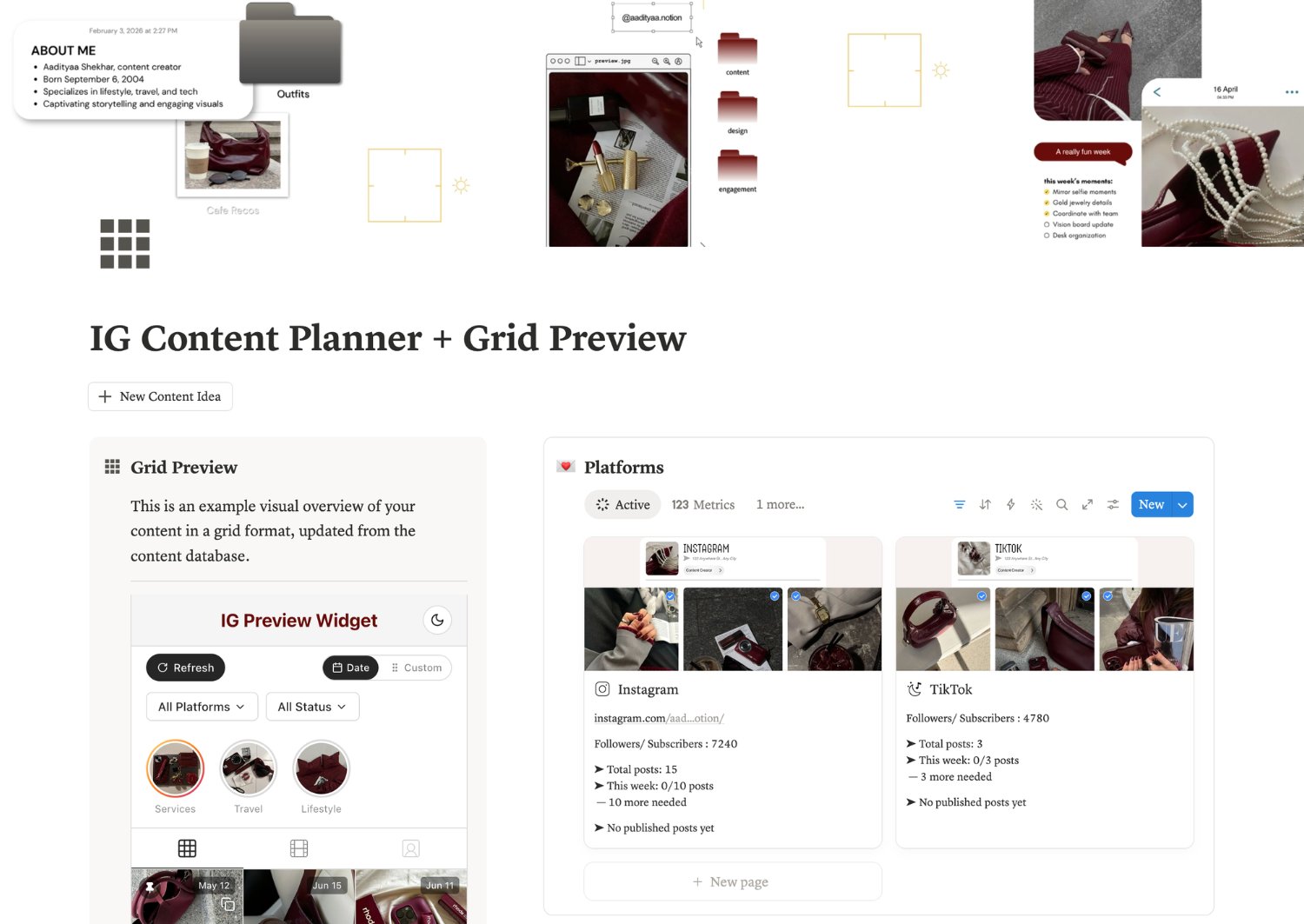
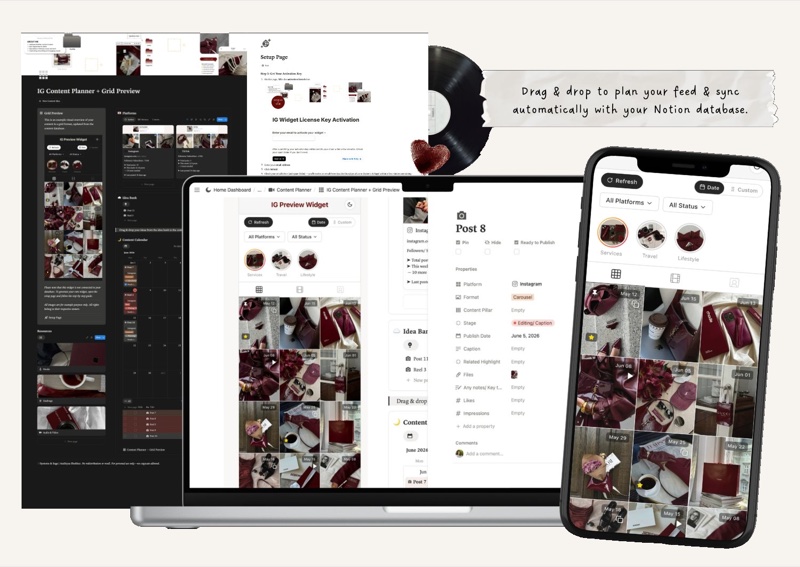
A Notion widget that turns your content database into a live, clickable Instagram feed preview.
FOR CREATORS, AGENCIES & SOCIAL MEDIA MANAGERS
GRID PREVIEW
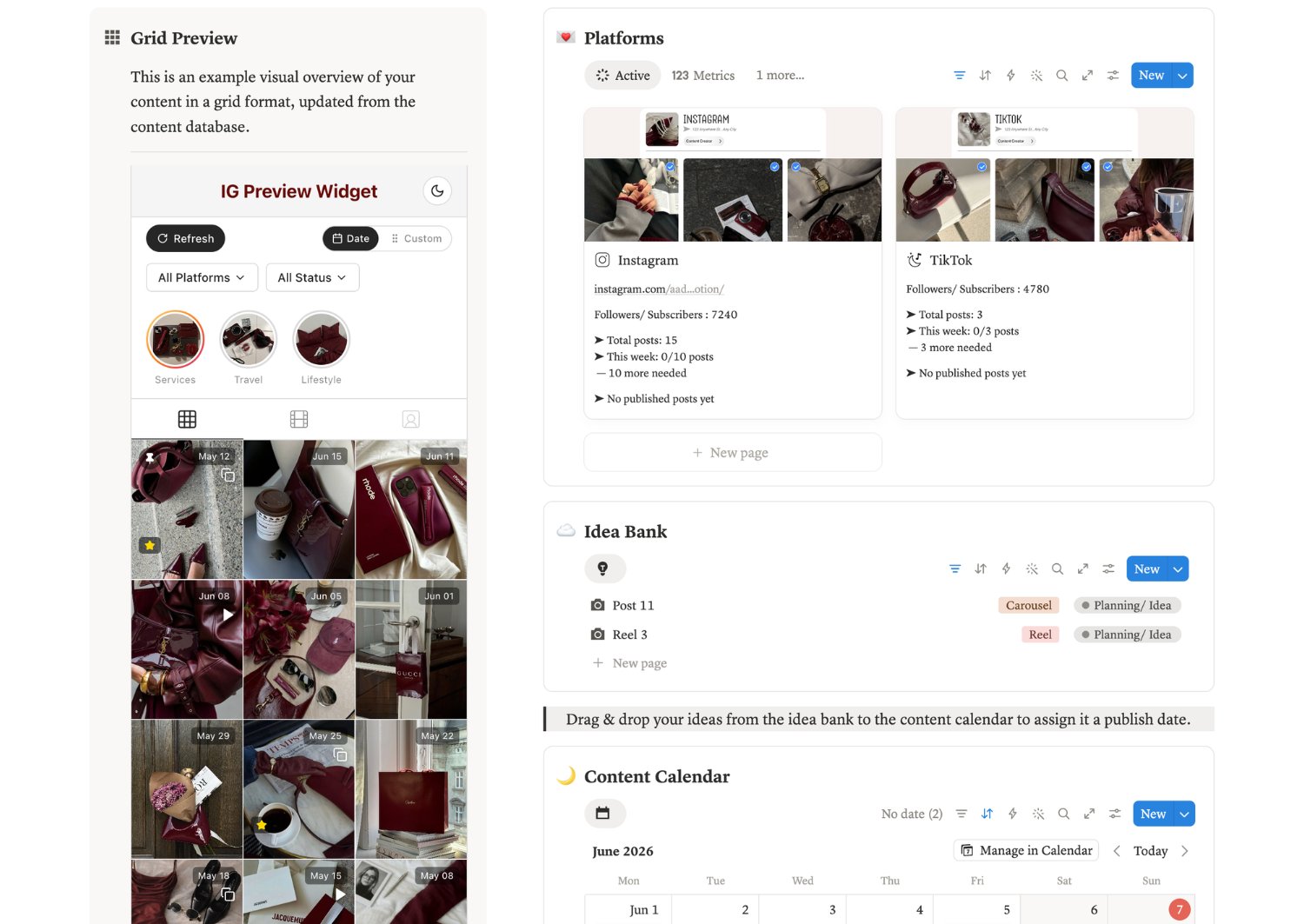
Your database images displayed as a three-column Instagram feed. See the whole grid before a single post goes live.
CAROUSELS & VIDEOS
Swipe through carousel slides and play videos right inside the grid. Exactly how your followers will experience it.
PUBLISH DATE TAGS
Every post shows its scheduled date on the grid. Spot gaps in your posting schedule before they become gaps in your reach.
CLICK FOR CONTEXT
Tap any post to see it full-size with its caption, likes, and impressions. The grid isn't just visual anymore, it's analytical.
PIN & HIDE
Pin your top 3 posts to the top. Hide drafts and experiments from the grid without deleting them from your database.
FILTER BY PLATFORM
Instagram, TikTok, LinkedIn in one database? Filter the grid to preview one platform at a time. Clean view, zero clutter.
CANVA CONNECT
Paste a Canva link, see the full design render in your grid. No exporting, no re-uploading, no watermark. The actual design.
TOP PERFORMER BADGES
Posts with 8%+ engagement ratio get flagged automatically. Your best content surfaces itself.
STORY HIGHLIGHTS
Create highlight covers, add stories, preview the whole structure. Plan your brand storytelling before it goes live.
LIGHT & DARK MODE
The widget matches your workspace. Plan at noon or midnight, it adapts.
UNLIMITED WIDGETS
One for your brand, one for a client, one for a launch. Each database gets its own independent link.
FUTURE UPDATES
Every new feature ships to Pro users automatically. The tool keeps improving, your access never expires.
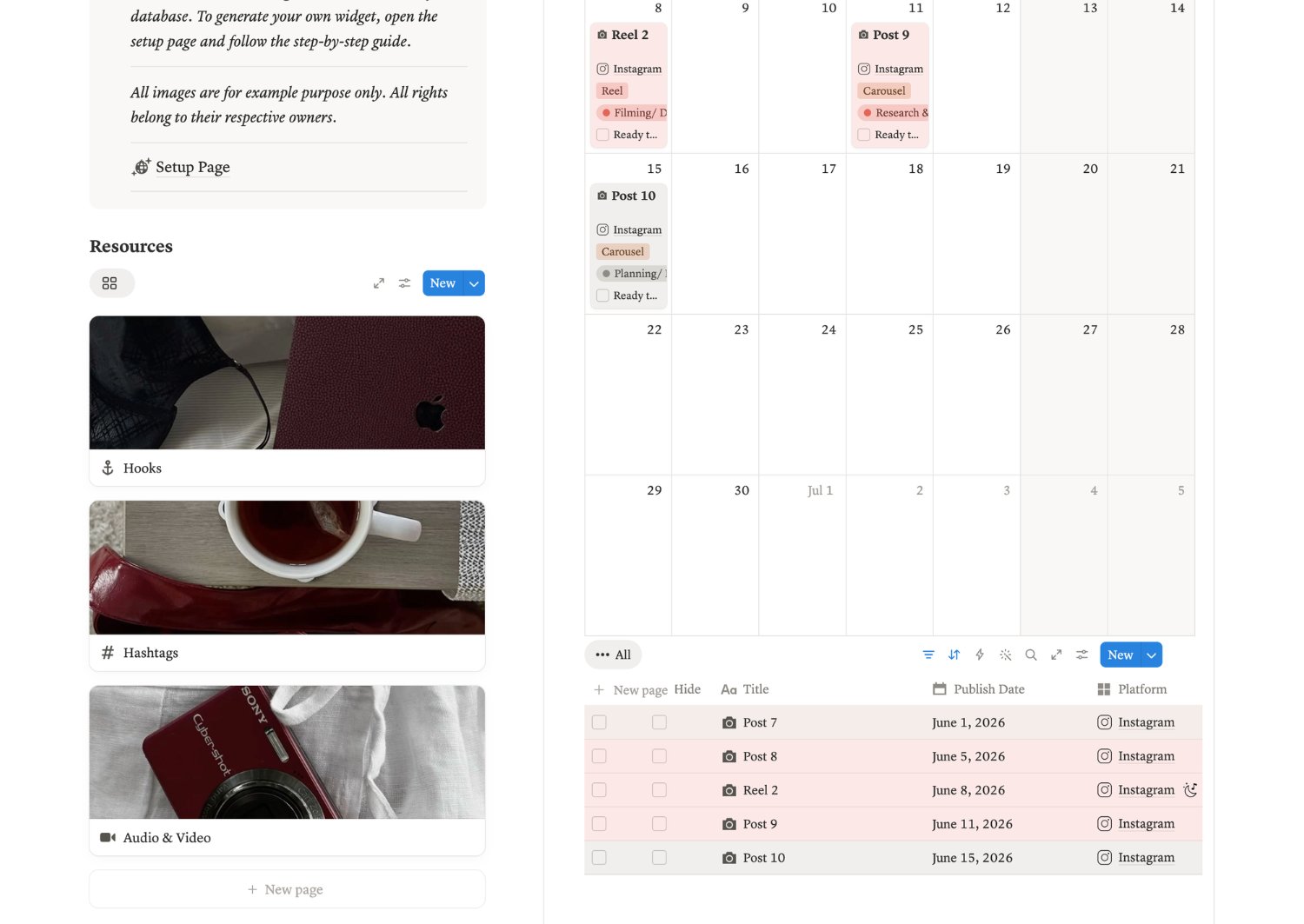
You also get my mini intentional content planner as a bonus - with an exclusive aesthetic you won’t find anywhere else, already built with all the widget properties so you can plug your widget and start planning your content in no time
Basic
Everything you need to start previewing your grid. But honestly, the real magic lives in Pro.
$21
One-time payment
Includes:
Pro
Built for creators and managers who actually live inside their content workflow.
$29
One-time payment
Everything in Basic, plus:
girl math tells me it’s basically free because you’re saving hours weekly
and here’s how ↓
Creators, social media managers, agency founders, or anyone juggling multiple accounts who wants to preview their Instagram grid directly inside Notion or Airtable.
Use what you already have. Your database just needs four core properties: name, publish date, content format, and attachments. If you'd prefer a clean start, I've included a template you can duplicate.
After checkout you'll get an email with your license key, setup link, and a step-by-step guide. Activate with your email, connect your database once, and it stays connected. Add new posts and hit refresh. The grid updates instantly.
The widget displays 12 posts by default and you can click "load more" to expand the grid. No hard cap on total posts in your database.
Unlimited widgets on both tiers. Each database gets its own unique embed link, so you can run separate previews for your brand, your clients, or different launches, all independently.
All your widget URLs are saved in your account dashboard. Copy any old link anytime, no need to reconnect your database.
Yes. Same flow as Notion. Create a personal access token, link your base, paste credentials in the dashboard, done.
Your API token is encrypted before it's stored. Even in a worst-case data breach scenario, the actual token stays protected. Your content never gets shared anywhere.
Yes. Inside Notion, on a dashboard, on a website, wherever you want to see the grid. It's a simple embed link.
Basic uses images uploaded directly to your Notion attachments. Pro adds Canva integration, so linked Canva designs render in full quality without exporting.
Because of the digital nature of the product, refunds aren't offered directly through the website. If you hit any issues during setup, email support and I'll help you sort it.
Basic gives you the full grid preview with all core planning features. Pro adds Canva integration, dark mode, performance badges, story highlights, and every future update for life. If your content workflow runs through Canva, Pro pays for itself fast.
Regularly. This started as a personal project and I'm still adding features based on what users tell me. Pro users get every update automatically. Basic users keep full access to everything they purchased.
You'll get a redirect to the setup page plus an email with your license key and instructions. Activate your key, connect your database, embed the widget, and you're planning visually within the next ten minutes.
Absolutely. There's a demo video at the top of this page, plus a walkthrough on YouTube. If you still have questions, DM me on Instagram and I'll show you around.
Still got questions? DM me on Instagram ⟶ @aadityaa.notion