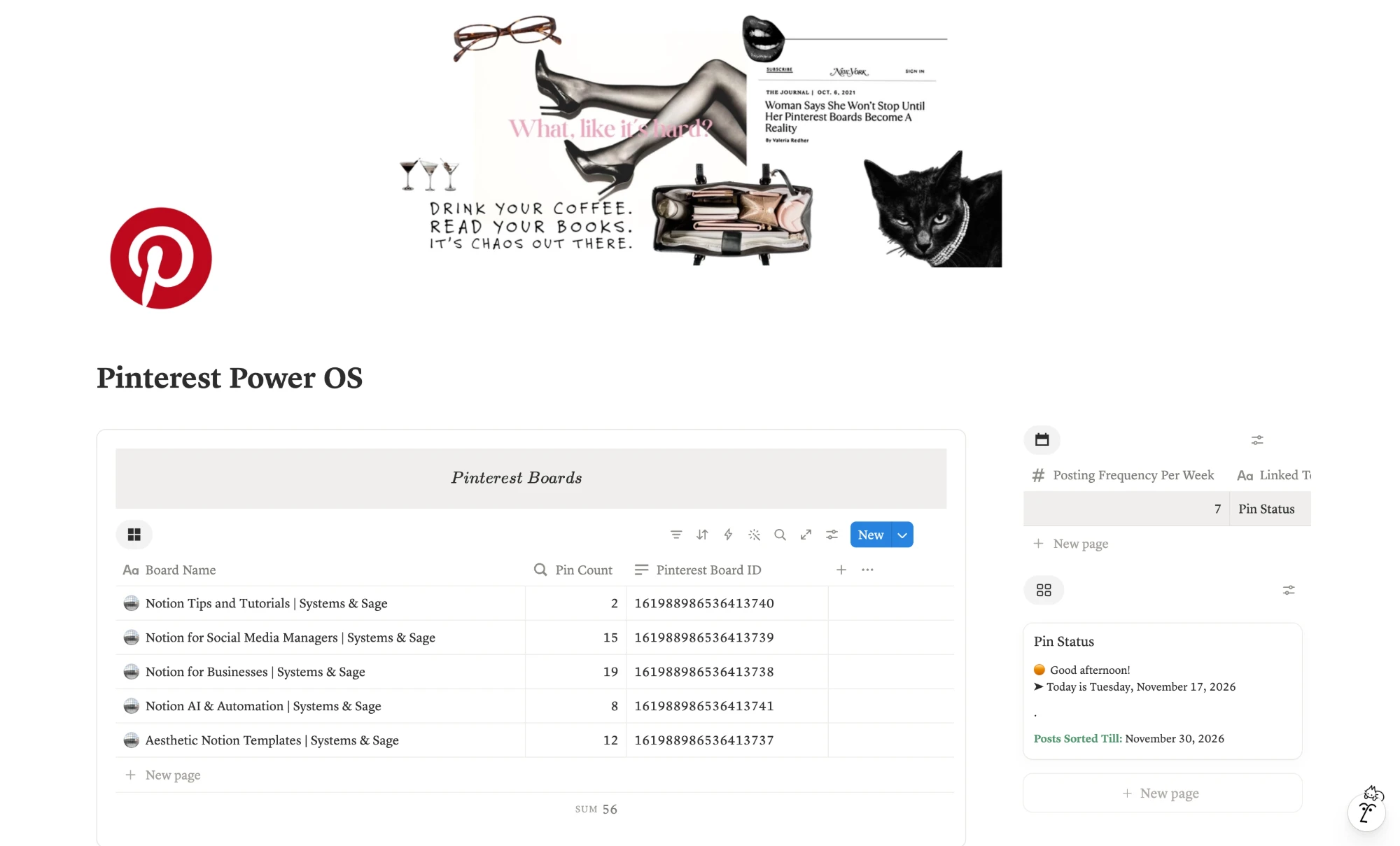
Notion Pinterest Automation System
Your Content Should Work Overtime. Not You.
Creating content is already a job. Distributing it shouldn’t become another one.
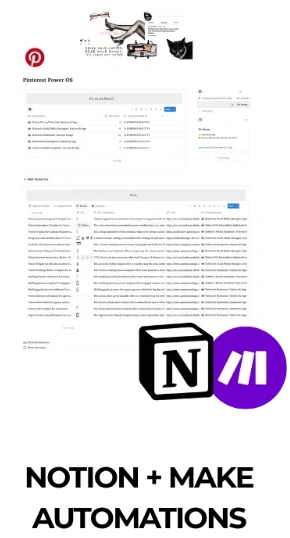
Meet Pinterest Power OS: your all-in-one Notion Pinterest automation system. Turn your existing content into searchable pins, let your AI automations handle the titles & descriptions, automate publishing and do monthly audits. All without adding another daily task to your workload.
You do the creating. Smart automations do the legwork.
For Business Owners, Service Providers & Content Creators
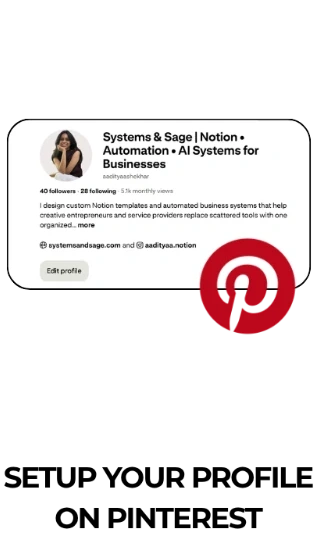
Don’t Let Good Content Go To Waste.
You’ve spent hours creating blog posts, videos, graphics and social content. But once you hit publish, how long does it actually keep working for you?
Build a predictable Pinterest traffic system that gets you seen by thousands, even days after posting.
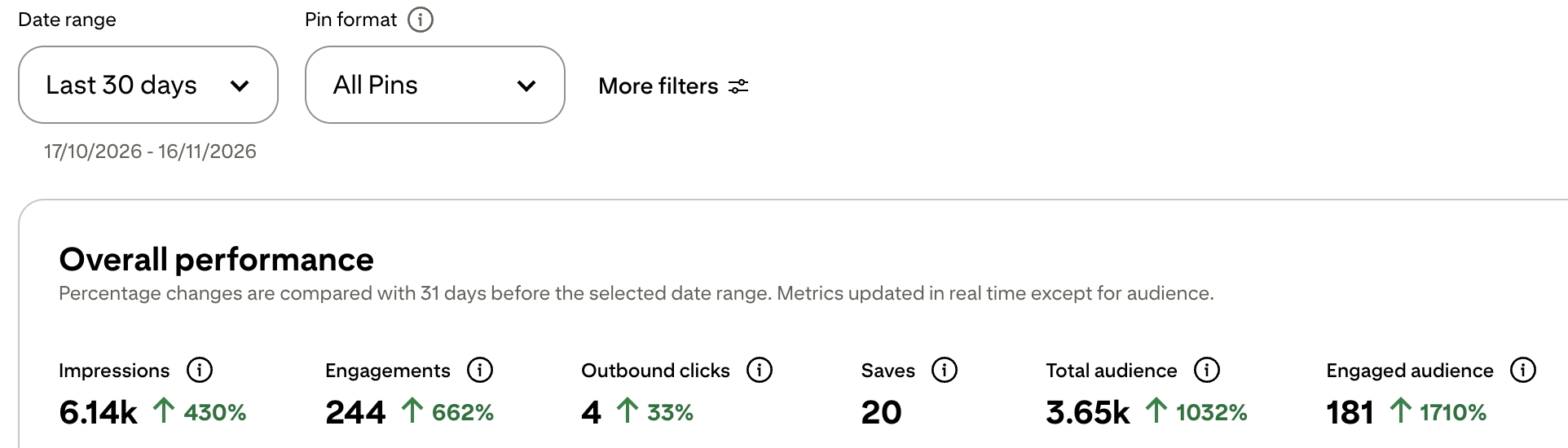
Except here’s the issue: In order to get seen, you’ll need to:
- 01
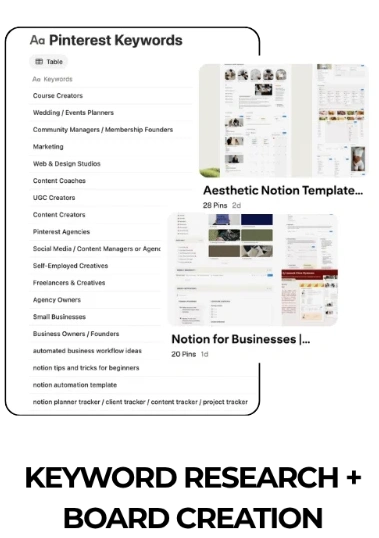
Research keywords people actually search for.
- 02
Write titles and descriptions for every single pin.
- 03
Figure out which board everything belongs to.
- 04
Add links, upload files and schedule posts.
- 05
Keep checking what’s working and what’s not.
SPOILER ALERT :
You don’t have to do that on your own.
What’s Inside
Make Your Pinterest Run Itself, Automatically.
Keep The Automations. Not Extra Bills. Pinterest scheduling tools are lovely. Until the monthly bills start piling up.
Pinterest Power OS uses Notion and Make to handle your Pinterest workflow without needing a recurring scheduling-platform subscription. And yes, you can run the system using their free plans, with a little scenario-switching involved.
Automation / 01
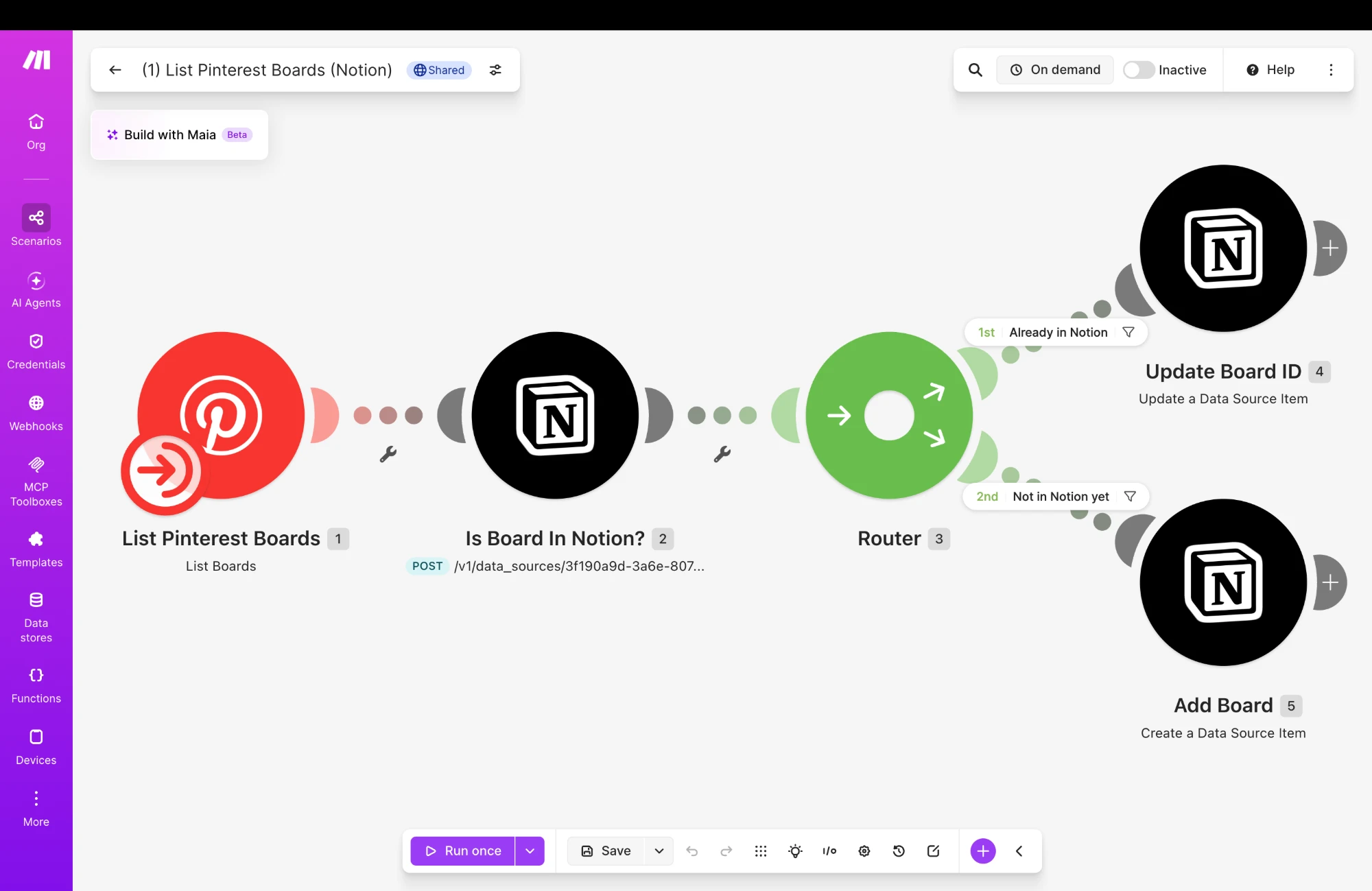
Board Sync, Sorted.
Automatically fetch your existing Pinterest boards and bring them straight into Notion, complete with their IDs.
Adding new boards later? Run the automation again and it’ll pick up what’s new without creating duplicates.
Automation / 02
Search-Ready Pins
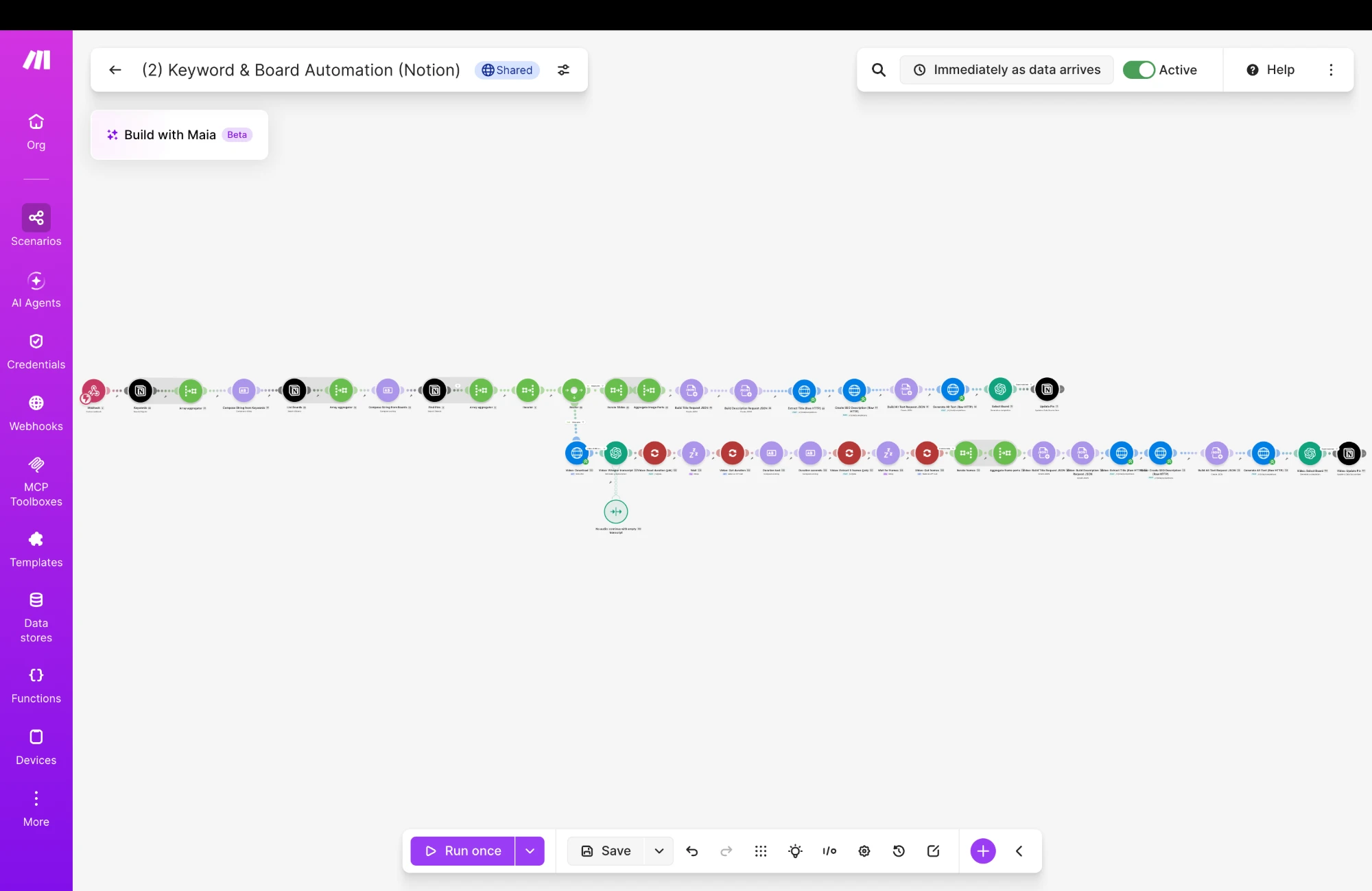
Titles? Done. Descriptions? Done. Board assignments? Also done.
Your automation analyses pin images using OCR and extracts video audio using Whisper to generate search-friendly titles and descriptions based on your researched keywords.
You’ll do the initial keyword research. From there, monthly audits will suggest fresh keywords to keep improving your Pinterest strategy.
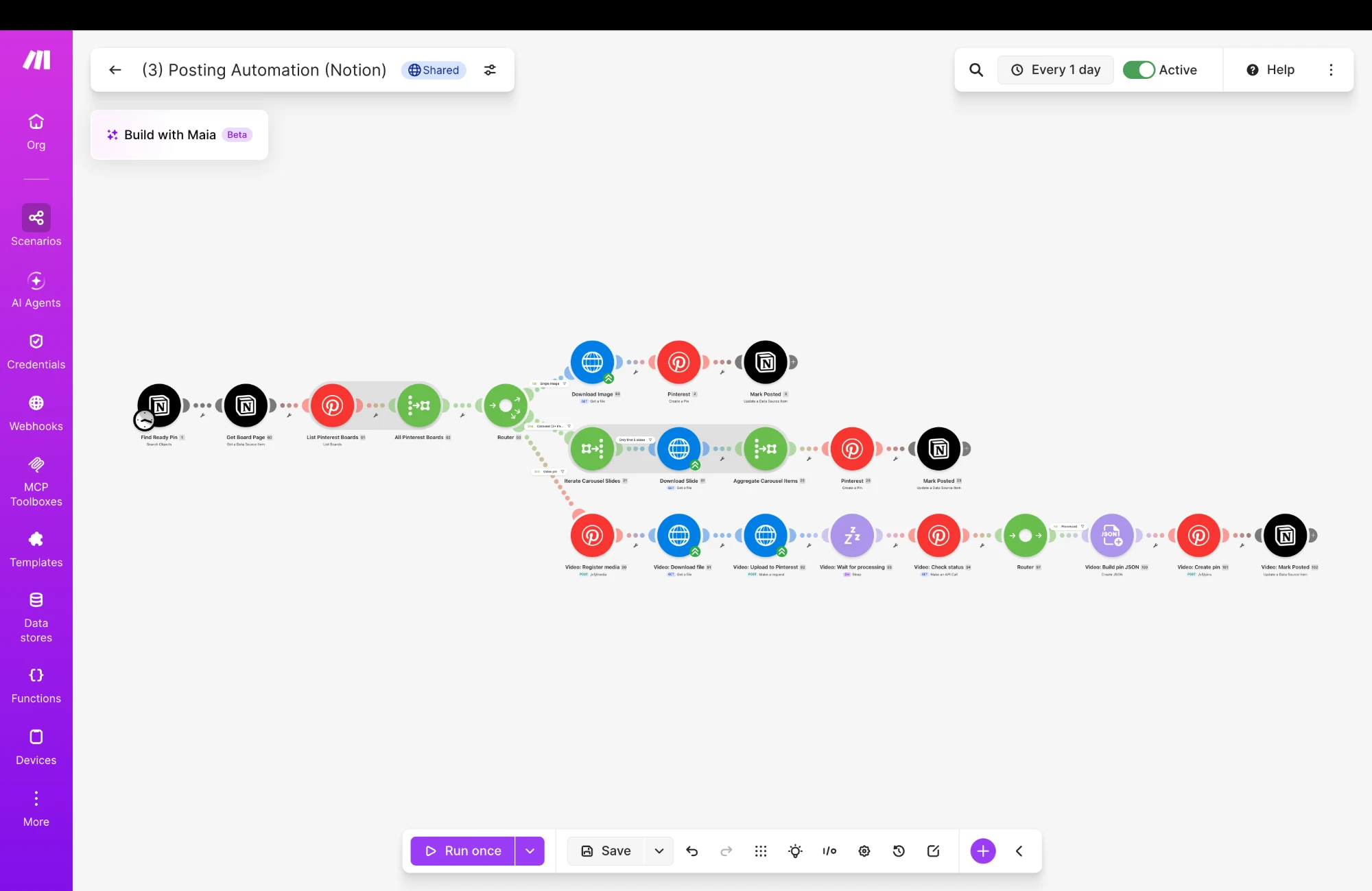
Automation / 03
Pins, Right On Schedule.
Set your preferred posting frequency from once a day to upto 6-10 times a day. Your call.
The dashboard also tells you how long your current content queue will last, so you know when it’s time to batch your next round.
Automation / 04
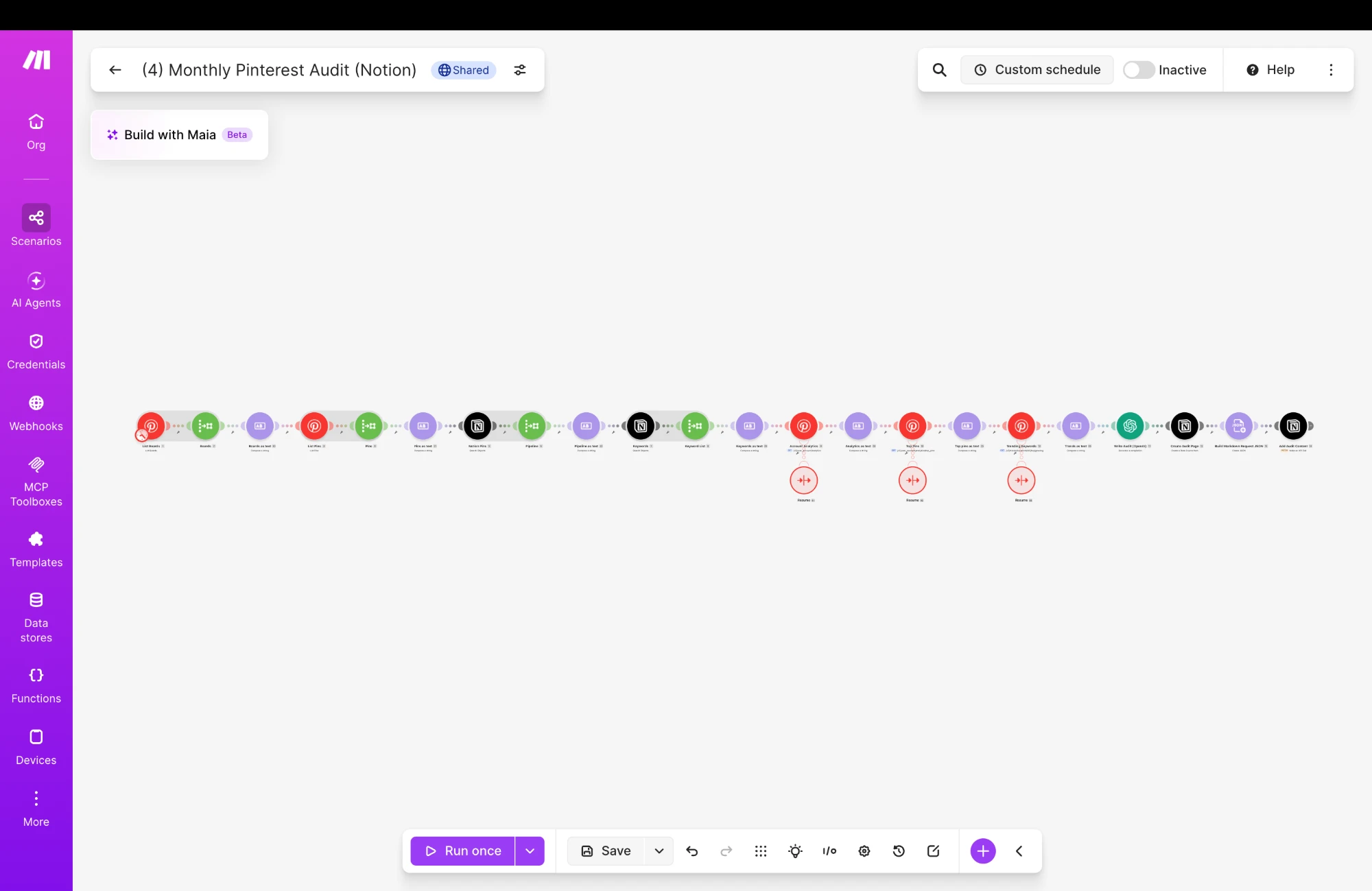
The Monthly Debrief.
Get an AI-powered Pinterest audit covering impressions, clicks, saves, board performance, keyword quality and more.
Find your top-performing pins, spot stale boards and get suggestions for what to improve next.
What Your Current Plans Allow
Got Notion + Make? Free plans: Upload media files up to 5 MB each. For Automations: MAKE FREE. Only two scenarios can be active at a time. But you don’t need all four running simultaneously. A one-time $5–10 API credit top-up can keep your AI automations running for a year or more. That’s barely a coffee run for a whole lot of work handled.
Flexible Plans
Ready to put your Pinterest backend in better hands? No coding crash course needed. Just 30 mins.
Pinterest Power OS
The DIY Setup
Perfect if you’d like to shape your own Pinterest workflow
$29
Forever
Includes:
- Complete Notion Pinterest dashboard
- All four automation templates
- Step-by-step setup video tutorials
- Customisable workflows and databases
- Set it up at your own pace
Build Your System
Pinterest Power OS + Setup
The Ready-to-Run Setup
Love the system. Not the setup process? I’ve got you.
$49
Forever
Includes:
- Complete Notion Pinterest dashboard setup
- All four automations configured
- Notion and Make connected
- Workflows tested and ready to go
- Personalised setup handover
Set It Up For Me
Your future self, the one who isn’t writing pin descriptions at midnight, says thank you.
Who is this for
Is This Sounding A Little Too Familiar?
Your Content Isn’t Working Hard Enough
You’re creating blogs, videos and social posts, but most of that content gets one short moment in the spotlight
Pinterest Feels Like a Full-Time Job
You know the platform has potential, but keeping up with keywords, boards, descriptions and scheduling feels like a lot
Repurposing Feels More Hectic Than Creating
You see Pinterest’s potential but haven’t quite figured out how to stick with it
You’re Already Overburdened with your To-Dos.
Between client work, creating content and running your business, there’s barely room for another manual process
Well, the Pinterest OS is just what you needed all this time.
Frequently Asked Questions — Pinterest Power OS
Frequently Asked Questions.
Still Have Questions?
A little birdie (okay, me) is happy to help. Not sure if this is the right fit for your workflow? Slide into my email on aadityaa@systemsandsage.com.
OMG! I’m so in ᥫ᭡It’s a Notion-based Pinterest automation system that helps you manage and automate your Pinterest content workflow.
It includes a Notion dashboard and four Make.com automations that handle board syncing, AI-powered pin preparation, publishing and monthly account audits.
Nope! You won’t need paid Notion or Make plans, but the AI automations do require ChatGPT API credits. A $5–10 top-up should cover a year or longer of usage.
Notion Free has a 5 MB media upload limit, while Make Free allows only two active scenarios at a time.
The tutorials explain how to switch scenarios on and off so you can manage the workflow without keeping all four active simultaneously.
Yes. You’ll need your own Pinterest account to connect with the automations and publish your pins.
You’ll also need to have your Pinterest boards set up before you start publishing.
Some familiarity with Notion will help, but you don’t need to be an automation expert.
The included setup tutorials walk you through connecting everything and configuring the four automations.
A little patience during setup goes a long way.
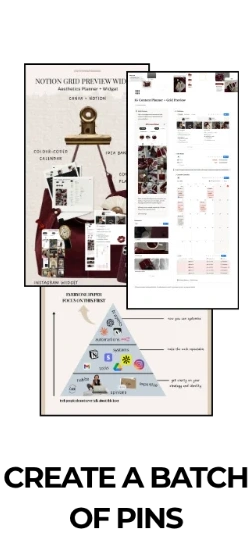
Not quite! You’re still in charge of designing your pins.
You can create them in Canva, Adobe or your preferred design tool, then upload them to Notion.
The automation handles the repetitive work that comes afterwards: understanding your content, generating titles and descriptions, assigning boards and publishing.
Your creativity stays yours.
Static images, carousels and videos are all supported.
Carousels can contain up to five images. The automation also handles long-form screenshots without requiring you to manually crop them.
One little heads-up: if you’re using Notion Free, keep your media files under 5 MB.
The automation analyses your uploaded pin to understand its content.
For images, it uses OCR. For videos, it can extract audio using Whisper.
It then compares the content against the keywords you’ve added to your Notion dashboard and generates a relevant title and description.
So, no, it’s not just picking random keywords and hoping for the best.
Yes, you’ll need to add your researched keywords to the Notion dashboard.
You can find relevant keyword suggestions directly through Pinterest search.
The AI then uses your keyword library when preparing your pins.
This way, you’re not leaving your entire SEO strategy to AI.
Absolutely. You can review and edit the AI-generated content before publishing.
You can also customise the AI instructions to change how the automation analyses and prepares your pins.
Yes! You can add a unique destination URL to each pin.
If most of your pins lead to the same page, you can also set a default link in your Notion template so it’s automatically added to new pins.
One less thing to copy and paste.
Of course. You can customise your posting interval according to your preferences.
The system publishes one pin at a time, and your Notion dashboard helps you track how long your prepared content queue will last.
The publishing automation runs through Make.com rather than your local computer. You’ll need the scenario configured and active in your Make account for scheduled publishing to run.
The audit reviews your Pinterest performance and generates an AI-powered report.
It covers your overall performance, impressions, clicks, saves, SEO quality, keyword opportunities, account hygiene, board performance and top-performing pins.
You can also customise the AI instructions to change what the audit focuses on.
The audit automation can be scheduled to run monthly or triggered manually when you need it.
If you’re using Make Free, you can switch it on when you want to run your audit and switch it off afterwards.
No system can guarantee rankings, traffic or leads.
Pinterest is a search-driven discovery platform, and SEO takes time. Your results will depend on factors like your keywords, content quality, consistency and audience relevance.
Pinterest Power OS helps you manage the repetitive work so you can focus on showing up consistently.
Yes! You pay once for the Notion dashboard, automations and setup tutorials.
You’ll still need to work within the limits of whichever Notion and Make plans you’re using, but you won’t need a recurring Pinterest scheduling-platform subscription.
Yes! The AI prompts, instructions and audit criteria can be customised. You can also change your preferred publishing frequency.
The product includes step-by-step setup tutorial videos to guide you through the process.
You’ll configure the dashboard and connect your own Pinterest and Make accounts using the instructions provided.